Survival0 uses
By Thumbrix
Use the Minecraft thumbnail creator to put your skin in a new scene.
SKIN CHARACTERS. WORLDS WORTH CLICKING.
Original skin characters in Survival, Hardcore, SMP and more. Pick a pose and story, then bring your own character into the scene.
Showing all 21 ideas
By Thumbrix
By Thumbrix
By Thumbrix
By Thumbrix
By Thumbrix
By Thumbrix
By Thumbrix
By Thumbrix
By Thumbrix
By Thumbrix
By Thumbrix
By Thumbrix
By Thumbrix
By Thumbrix
By Thumbrix
By Thumbrix
By Thumbrix
By Thumbrix
By Thumbrix
By Thumbrix
By Thumbrix
21 original seed examples by Thumbrix, followed by selected community scenes when available. Uses count successful generations started from an idea. Browsing and choosing are free.
CHOOSE YOUR WORLD
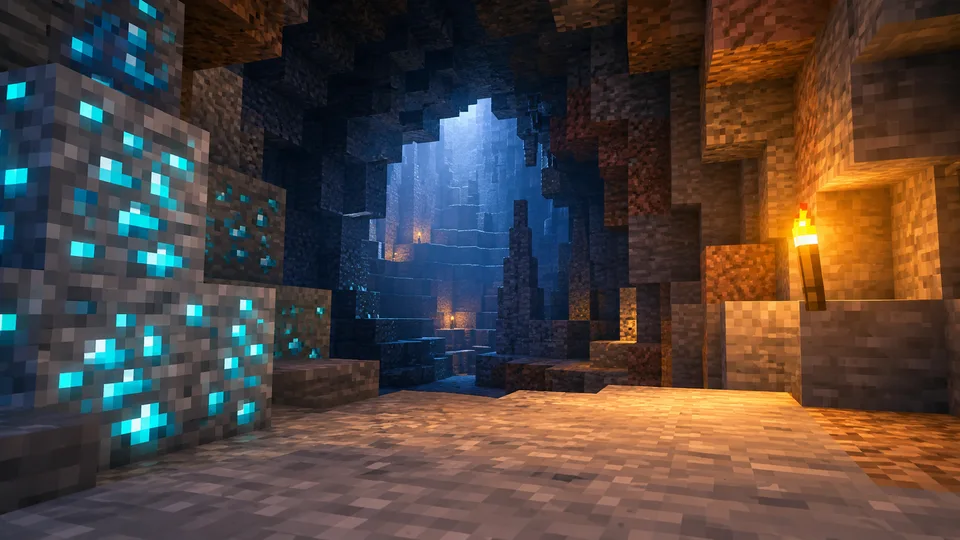
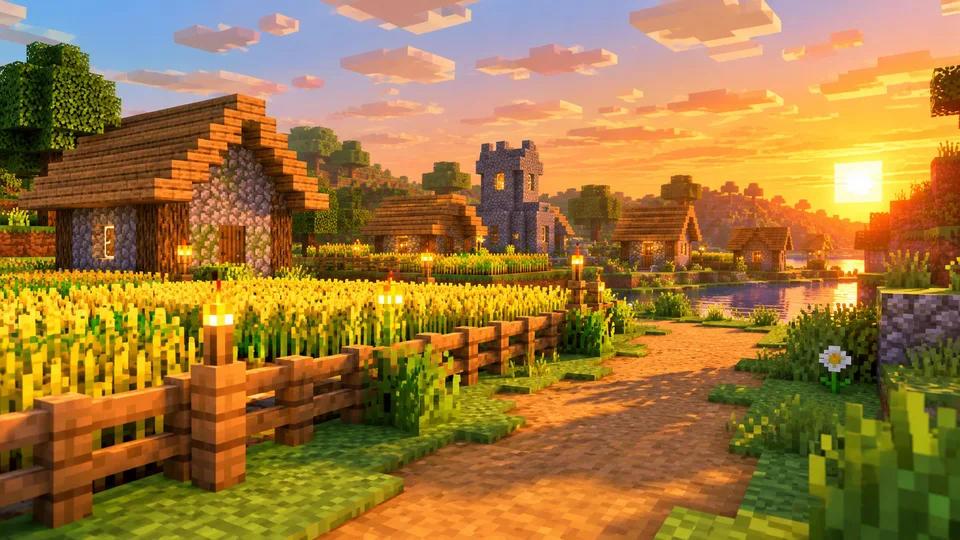
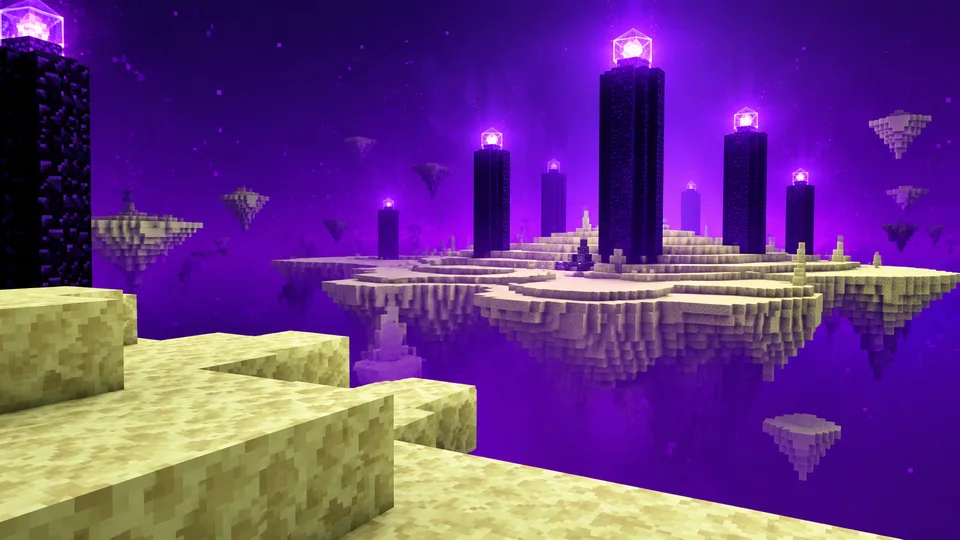
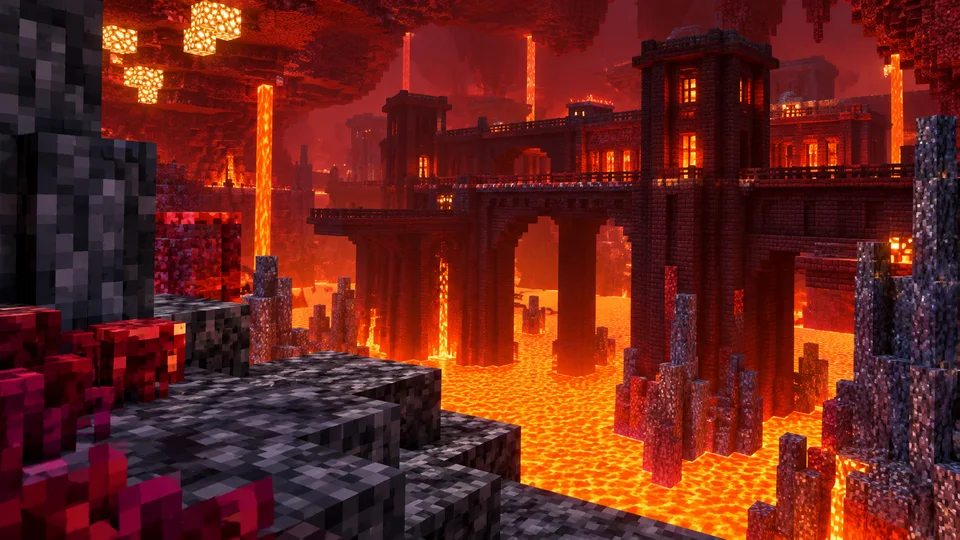
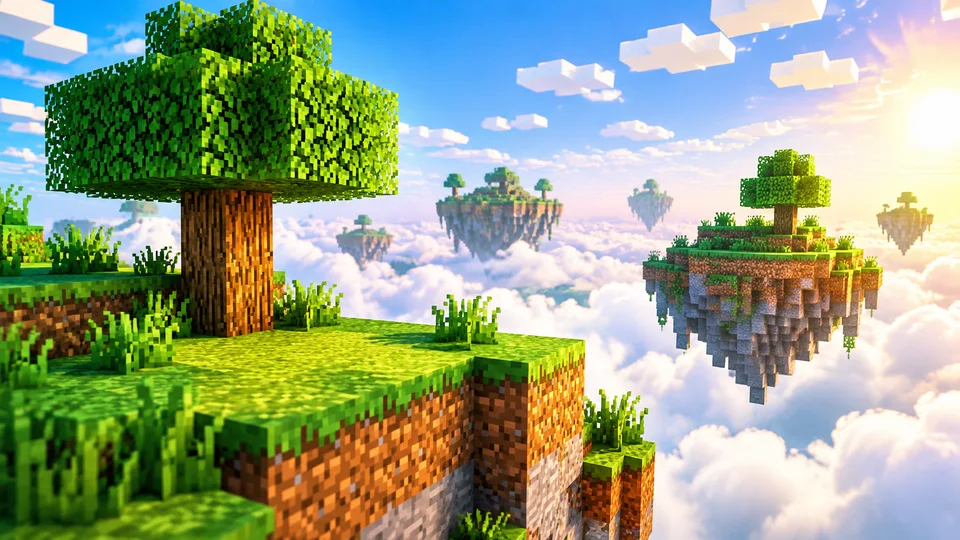
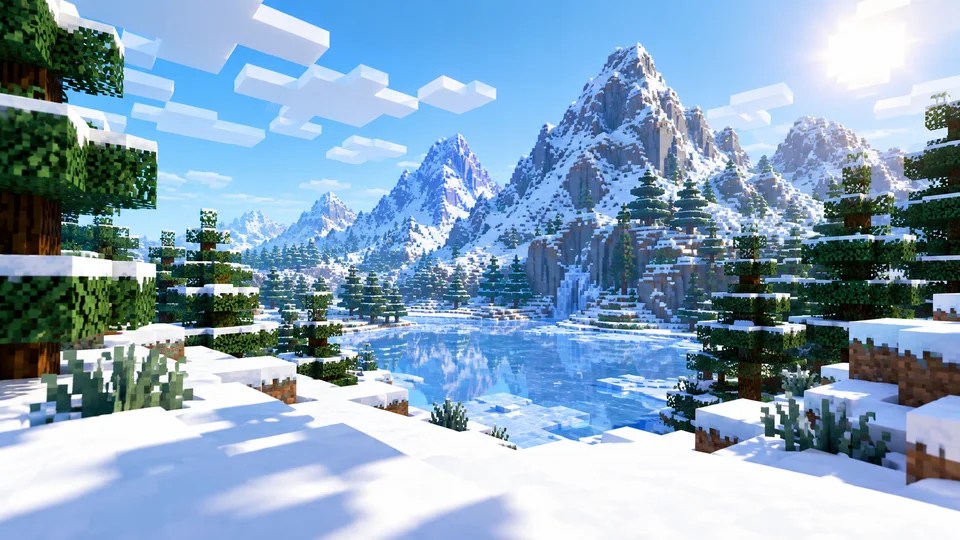
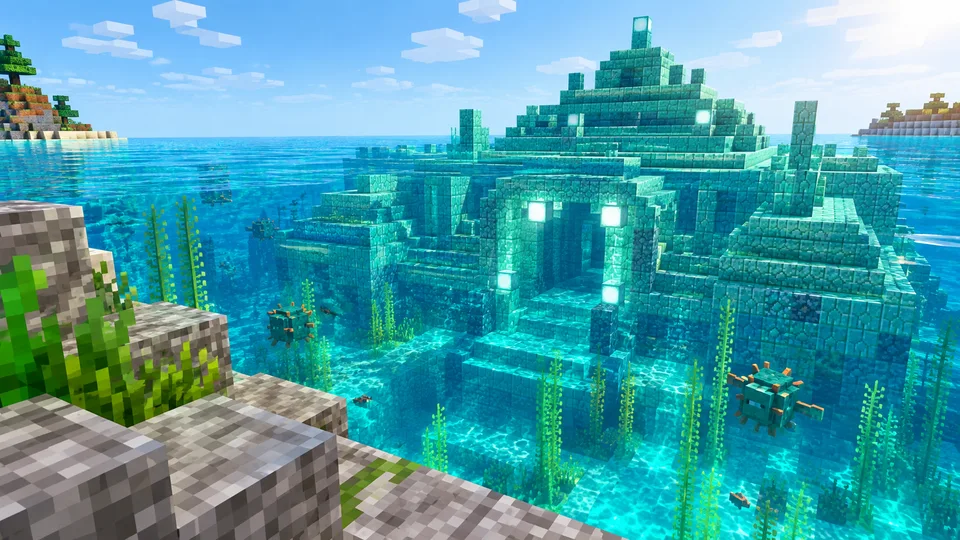
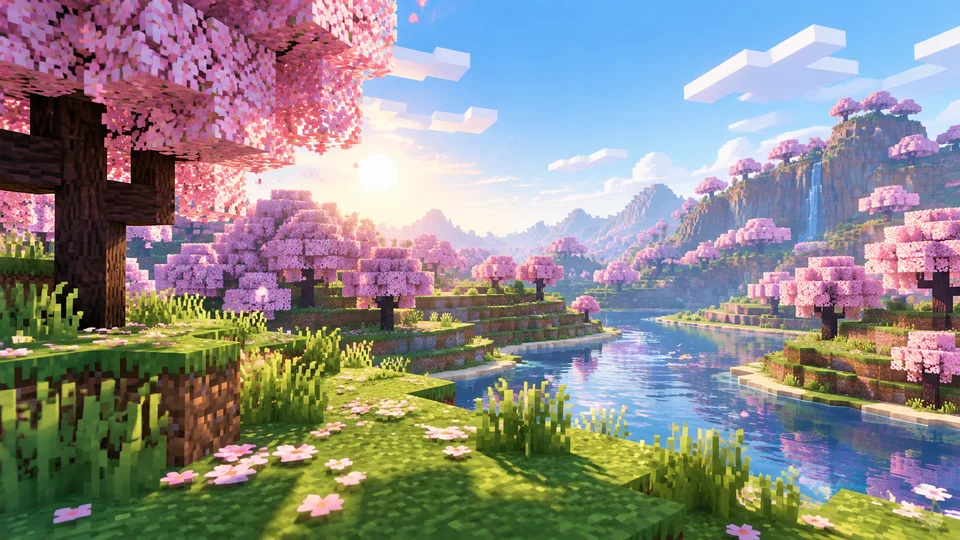
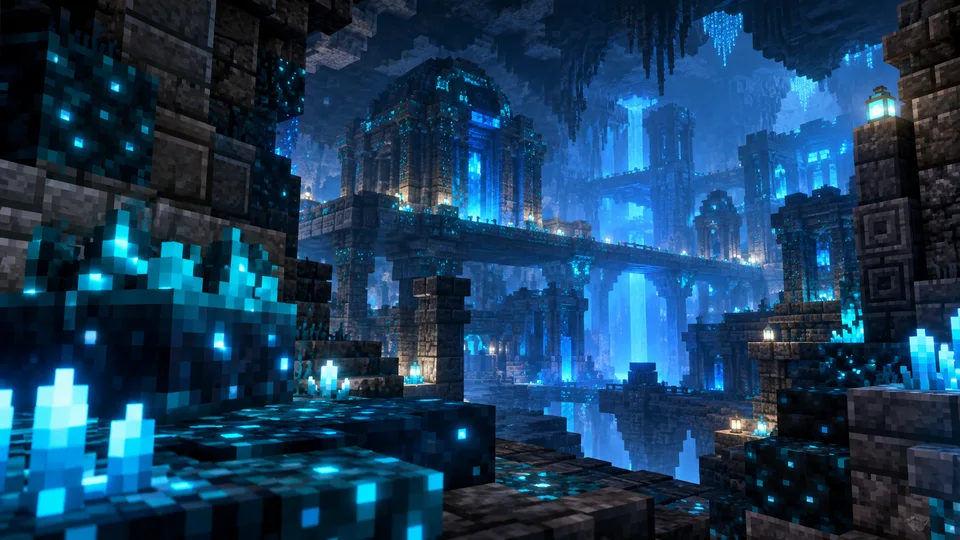
A cave, a village, a whole new dimension. Choose a scene, enter your Java username in the tool above, then let AI bring your skin into the world.
Original AI backgrounds · 960 × 540 draft downloads · Java skins via Crafatar. Upload a screenshot for Bedrock characters. AI may reinterpret small scene and skin details.
FROM YOUR VIDEO TO ITS COVER
Give the Minecraft thumbnail creator a story: your first diamond, a Hardcore escape or a 100 Days build. Choose an idea above and adapt it to your video.
Add a Java skin or screenshot to the Minecraft thumbnail creator. Choose a background and add an optional headline.
Allow about two minutes. Check the skin, scene and spelling, then download. Sign in to generate; new accounts get 20 free credits.
GIVE VIEWERS A REASON TO CLICK
Make the moment easy to read.
One skin. One clear story. A thumbnail that still makes sense on a phone.
Open the Minecraft thumbnail creatorA Minecraft thumbnail creator turns your video idea into a cover viewers can understand before they click. Thumbrix combines a description, an optional Minecraft skin render and a scene reference to compose that image with AI. Start from a sentence, your character screenshot or an original example above.
Give the Minecraft thumbnail creator a subject, action and setting. “Minecraft survival” describes a category. “My teal-jacket character finds diamonds above a lava lake with one safe block left” describes an image. Add the emotion that belongs to the moment: relief, surprise or pride in a finished build.
Survival: put a small decision in a large world. Show a shelter before nightfall or diamonds above lava, with a recognizable character.
Hardcore: show the danger and the escape route together. A narrow ledge or a warden emerging behind the player communicates tension. Use “ONE HEART” only when it matches the actual challenge.
100 Days: make progress visible. Use the same skin beside a starter hut and the completed fortress. Let the build explain the transformation while the short headline establishes the timeframe.
SMP: focus on the relationship between players. Show a teammate across a broken bridge. Give each character a distinct outfit.
Build: let the creation take up space, with your builder providing scale. Upload a screenshot when the structure must match your project. Minecraft thumbnail creator examples suggest compositions, not downloadable worlds.
Mob Farm: expose the useful part of the system, such as the collection chamber or item output. Check the AI result against your actual design; generated farm images are not construction instructions.
Redstone: show the result of the mechanism. Show an open hidden door or flying machine, with enough wiring to establish the topic.
Choose a setting that belongs to your video. A warm village suits a cozy build; a dark cave creates contrast around a bright skin. Leave room for a headline and keep essential details away from the lower-right duration label.
Load a Java username and inspect the reference before generating. For Bedrock characters or unavailable lookups, upload a clear screenshot instead. The Minecraft thumbnail creator uses your selected background as an image reference, then adapts framing and lighting to integrate the character. Small skin details may change.
Check the result at phone size: skin, action, spelling and accuracy. Choose resolution before generating; enlargement does not restore detail. Our YouTube thumbnail size guide explains upload requirements and supplies the specifications below.
For other topics, use the main AI thumbnail generator or Roblox thumbnail creator. Thumbrix is independent and not affiliated with Mojang, Microsoft or YouTube. Use references you have permission to use. Initial gallery scenes are original AI illustrations by Thumbrix; community scenes appear only after selection.
READY FOR THE UPLOAD
YouTube recommends 3840 × 2160 pixels for regular video thumbnails. This reference is shared with our YouTube thumbnail size guide, checked 2026-09-09.
Free landscape exports are resized to 1920 × 1080. Choose paid 2K or 4K before generating. Check actual file size before uploading. Official upload guidance
BEFORE YOU HIT GENERATE
Describe your video in the Minecraft thumbnail creator, load your Java skin or upload a screenshot, and choose a background. AI handles the composition without a 3D editor.
Planning is free without an account. Generating images needs a free sign-in: new accounts get 20 free credits, shared across Thumbrix. Credit packs add credits; a monthly plan adds private generations and higher resolutions.
Yes. Enter a Java username, select Load skin and check the reference. For Bedrock characters, upload a screenshot. Recently changed skins may take time to appear.
Choose a Minecraft thumbnail creator background below. Download a 960 × 540 draft or select Use this background for AI composition. To generate a landscape alone, remove the skin reference and request no characters.
The loaded render guides the AI, but small outfit details may change. Check the result before publishing. The Minecraft thumbnail creator uses AI composition, without a precise pose editor.
Use 16:9 for regular videos. Free exports are resized to 1920 × 1080; paid 2K and 4K must be selected before generating. See the shared size specifications above for upload limits.
Minecraft thumbnail creator results and prompts are eligible for the gallery by default; references stay private. Monthly plan members can choose private before generating. Historical YouTube and Roblox results remain private.
Allow about two minutes. Submitted tasks are saved so you can return later. Failed generations return the allowance. Skin lookup and background browsing do not consume credits.